DNS Change Verification: Check the Website, Email and Rollback Path

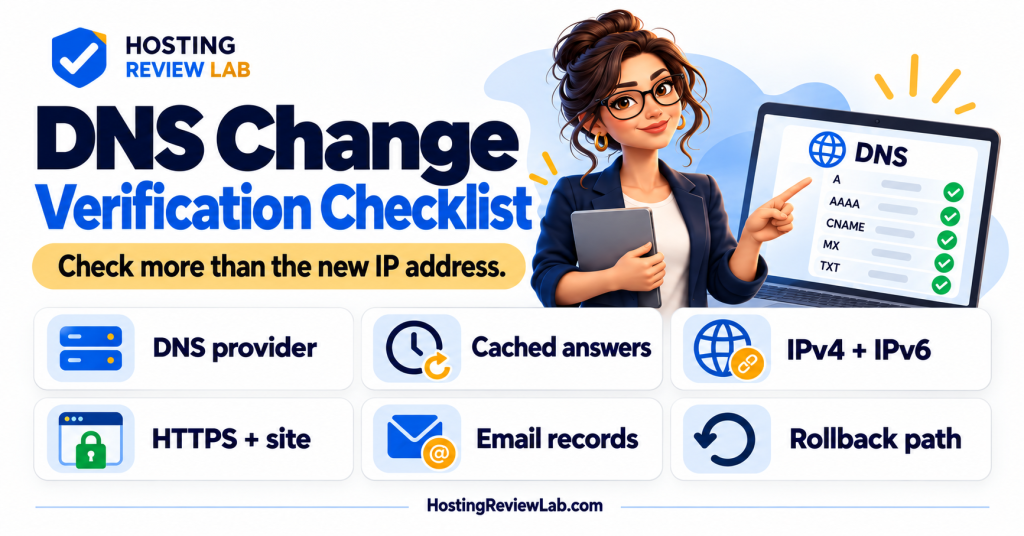
A saved DNS setting is the start of verification. Check what the authoritative DNS service publishes, what visitors resolve and whether the destination performs the expected task. A screenshot of the new address cannot establish all three.
This guide covers verification after an authorized change. Use domain transfer versus DNS change to choose the right operation and the migration guide to prepare the destination first.
Keep a before-and-after record
Record the hostname, record type, old value, intended value, TTL, proxy setting and change time with timezone. Identify the authoritative DNS provider and the person who can reverse the change. Preserve the full zone if changing nameservers; a new provider does not automatically know every external service the old zone supported.
| Check | Verify | Why it matters |
|---|---|---|
| Authoritative DNS | The intended provider publishes the expected records for each affected hostname. | A change made in an inactive DNS account will not control public answers. |
| Visitor resolution | Compare answers from more than one recursive resolver or connection, with timestamps. | Cached answers can differ during the transition. |
| IPv4 and IPv6 | Check applicable A and AAAA records. | An old address in one record family can leave some visitors on the wrong destination. |
| HTTPS and application | Check certificate coverage, key pages, forms and the relevant transaction path. | Reaching a server does not establish that the site works. |
| Email and verification records | Compare MX and relevant TXT records against the intended mail and service configuration. | Website changes can disrupt unrelated services. |
| Rollback | Preserve old values, access and the usable old service for the agreed window. | Reverting DNS does not instantly clear caches or reconcile new data. |
Understand what TTL can and cannot do
Cloudflare’s TTL documentation explains that TTL controls how long a DNS record is cached. For an illustrative DNS-only record, an answer cached with a 3,600-second TTL can remain valid for its remaining cache lifetime even if you later change that record to 300 seconds. Lowering TTL ahead of a planned change gives earlier cached answers time to expire; it does not recall them.
Do not promise that every change completes in a fixed number of minutes. Record-specific TTL, nameserver changes and the caches involved are separate considerations. Check the provider’s guidance for the operation actually performed. When a result is unexpected, record which resolver answered and when before making another edit.
Interpret CDN answers correctly
Cloudflare’s proxy-status documentation explains that a proxied hostname resolves to Cloudflare addresses rather than exposing the configured origin IP in the public answer. Its proxied records use an Auto TTL, documented as 300 seconds when checked October 5, 2026. That setting is not a five-minute guarantee that every visitor will see every origin or configuration change.
For a proxied site, have the authorized administrator verify the configured origin and use an approved diagnostic method to confirm the destination. Do not treat an unchanged public Cloudflare IP as proof that the hosting move failed. Preserve the intended proxy and security configuration while investigating.
Verify the business result
Test the exact hostnames in use, including the main domain, www variant and relevant subdomains. Check redirects and certificate coverage with the SSL verification checklist. Confirm forms and external integrations. For mail, follow the email-preserving migration checklist and test both sending and receiving.
For a store or booking site, agree how writes are handled while different visitors can still reach different destinations. Compare current order or booking records before treating a DNS rollback as a complete recovery. Keep the old host available until the cancellation checklist is satisfied.
Keep evidence for unresolved differences
Save the queried hostname, record type, resolver, returned answer and time. Add the failing URL and observed customer impact to the support request. Use uptime checks for continued observation, with their monitoring gaps understood.
An A/AAAA mismatch example
For a hypothetical DNS-only hostname, an updated A record and unchanged AAAA record can lead different clients to different destinations. Compare both record families with the intended configuration before interpreting a single browser visit as cutover completion. For a proxied hostname, use the provider’s supported origin verification instead of expecting the public answer to expose the server address. Preserve mail and service records throughout.
Sources and scope
Cloudflare documentation checked October 5, 2026. The acceptance table and example are HRL guidance, not a report of a DNS change performed here or a universal propagation deadline.