SSL Certificate Renewal Checklist: Verify Coverage, Automation and the Origin

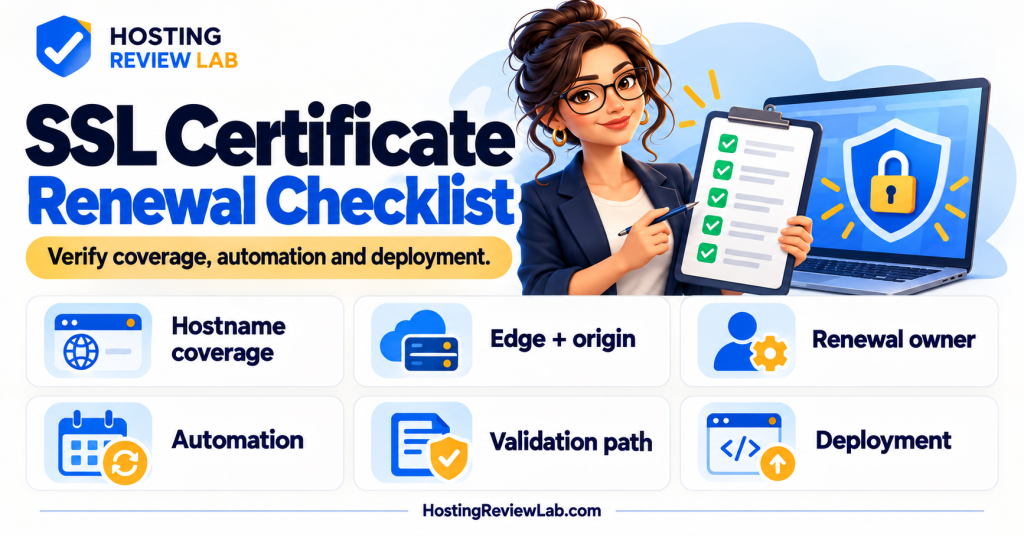
Confirm who renews each certificate and which connection it protects. A website can have a healthy certificate in the browser while a separate origin certificate needs attention. “SSL included” is useful buying information, but the operating checklist needs a little more detail.
SSL is the familiar hosting label; current secure web connections use TLS. This guide covers certificate coverage and renewal verification. For the broader feature comparison, see speed, uptime and SSL.
Map the certificate to the connection
Cloudflare’s SSL/TLS concepts distinguish the edge certificate presented to visitors from the origin certificate managed on the web server. Its encryption mode determines how the origin connection is handled. Looking only at the browser-facing certificate does not verify every connection in that arrangement.
| Item | Record | Verify |
|---|---|---|
| Visitor-facing certificate | Covered hostnames, issuer, expiry and responsible service. | Each important HTTPS hostname works without certificate warnings. |
| Origin certificate, where used | Origin host, certificate type, expiry and administrator. | The configured CDN-to-origin connection meets the intended validation requirements. |
| Renewal mechanism | Host-managed service or ACME client, schedule and validation method. | Recent successful renewal evidence and failure reporting. |
| Deployment | Where the renewed certificate is installed and loaded. | The service presents the expected current certificate after renewal. |
| Alert ownership | Primary contact, alternate and supported notification route. | Someone receives and acts on expiry or renewal-failure alerts. |
Cloudflare documents automatic renewal for its Universal and Advanced edge certificates. That does not establish who renews a separate origin certificate or a customer-uploaded certificate. Check the exact certificate service and your provider’s current responsibilities.
Check the mechanism before the deadline
Let’s Encrypt’s integration guide recommends automated renewal and using ACME Renewal Information to determine the renewal window. It also calls for administrators to receive errors. Ask your host or maintainer for the renewal method, recent success and escalation route rather than relying on a single recurring calendar reminder.
Record the certificate’s actual expiry and the behavior of the installed client. Avoid assuming every certificate has the same lifetime or that renewing means the replacement is already being served. Use a supported renewal test where the hosting service or client provides one; have the administrator interpret the result and confirm deployment.
Preserve the validation path when moving services
Let’s Encrypt’s challenge documentation describes HTTP-01 validation through a token on the web server and DNS-01 through a TXT record. DNS-01 can support wildcard certificates and needs suitable DNS automation for unattended renewal. The working validation method can depend on the current DNS, routing and access configuration.
After a hosting or DNS move, have the owner confirm that the renewal process still reaches the correct service and has the required permissions. Use narrowly scoped credentials where supported; do not paste DNS API secrets or private keys into an ordinary handover document. Check the DNS verification guide and account ownership record.
Do not bypass the proxy as a casual certificate test
Cloudflare’s Origin CA documentation warns that browsers can report untrusted certificates if proxying is disabled or Cloudflare is paused for a hostname using an Origin CA certificate. That certificate is intended for the Cloudflare-to-origin connection. Arrange an authorized origin check that respects the intended setup.
If a warning appears, save the hostname, exact error, time and whether the request passed through the CDN. Ask the host or administrator to identify the certificate and connection involved before changing security settings. Follow the outage checklist and provide the evidence using the support-ticket checklist.
Close with a dated verification
Check the main hostname, relevant subdomains, redirects and important application routes after a renewal or migration. Record the presented certificate, observed expiry and any separate origin check. Add the owner and next review to the handover checklist. A certificate check establishes the connection observed at that time; it does not certify the entire website’s security.
A renewed certificate can still need deployment
In a hypothetical renewal, the client obtains a replacement certificate but the web service continues presenting the previous one. Check issuance evidence and the certificate actually served on the intended connection separately. Ask the administrator to verify installation and reload using the supported procedure. For a CDN arrangement, identify whether the finding concerns the visitor-facing or origin connection before changing settings.
Sources and scope
Cloudflare and Let’s Encrypt documentation checked October 5, 2026. This is HRL’s general verification checklist. It does not report a certificate renewal, change encryption settings or establish the current certificate status of a particular site.