Hosting Support Ticket Checklist: Give Support the Evidence They Need

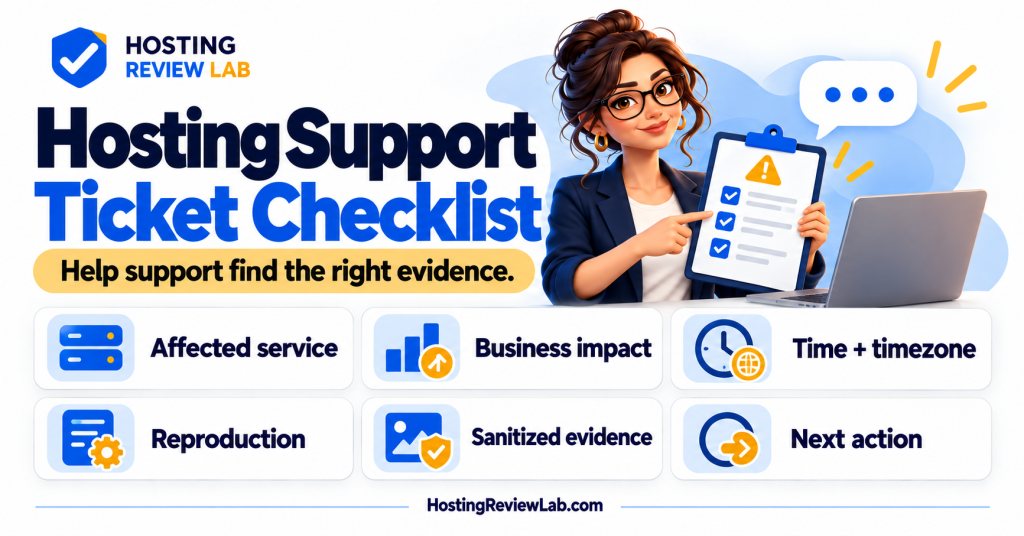
Lead with what is failing, who is affected and when you observed it. A useful support request gives the responder a starting point and a way to find the relevant evidence. “The website is broken” is understandable under pressure. It is also a fairly large search area.
This checklist organizes the request. Use the outage troubleshooting guide for the technical investigation and the support-scope guide to determine which team can implement the fix.
Prepare the minimum useful record
| Field | Useful detail | Keep the distinction clear |
|---|---|---|
| Affected service | Domain, plan or account reference, plus the failing URL. | Account access failure and website failure need different routes. |
| Business impact | Which action fails and which users appear affected. | Separate observations from estimated sales or traffic loss. |
| Time | First observed failure, latest example and timezone. | Do not claim an exact outage start if it is unknown. |
| Reproduction | Short steps, expected outcome and actual result. | State whether the issue is consistent or intermittent. |
| Evidence | Error code, request ID, sanitized screenshot or log excerpt. | Remove credentials, private customer data and payment details. |
| Recent changes | Deployments, updates or configuration changes with times. | A recent change is a lead, not proof of the cause. |
| Requested action | The investigation or decision you need next. | Identify who must authorize a disruptive action. |
Use the supported contact route
Start from the provider’s official website or authenticated account. Choose the closest available issue category and provide the affected site. Avoid opening several unrelated tickets for the same incident unless the provider asks; keep a main ticket reference and attach new findings there.
For example, SiteGround’s contact guidance, checked October 5, 2026, routes customers through its Client Area Help Center and issue category. It explains that available channels depend on the request and current support conditions, and that ticket history remains available in the Help Center. This is a provider-specific example; follow your host’s current process.
If you cannot reach the account, use the account recovery checklist. Give verification material only through the provider’s approved route. Request temporary, appropriately limited access for a developer where the platform supports it, rather than pasting passwords into an ordinary ticket.
Use a concrete request
An illustrative report: “Checkout returns a 524 error after placing a test-mode order. First observed October 5 at 14:10 America/New_York; repeated at 14:14. The homepage loads from two connections. Attached: affected URL, request ID and sanitized screenshot. A plugin update completed at 13:55. Please correlate this request with origin logs and confirm whether the failure is in platform configuration or application processing before proposing changes.”
This example is fictional. Substitute your actual error and observations. If no safe reproduction exists, say so and provide the original request details. A test-mode result and a live payment result are different evidence; do not create extra real transactions just to make a ticket more convincing.
Track the next action and escalation
Ask what has been checked, what remains unknown, who owns the next step and when you should expect the next update. If the issue falls outside hosting support, request relevant findings for the developer or integration vendor. Record any proposed configuration change and its rollback route.
When escalation is needed, summarize the unresolved impact, elapsed time and missing next step under the existing ticket reference. Use the provider’s escalation process. SiteGround’s documented ticket route, for example, permits asking for supervisor escalation when dissatisfied with a resolution; this does not establish a universal escalation policy or response deadline.
Close on the business result
Check the failed action after the proposed fix. For stores, confirm order and payment state before retrying uncertain work; use order recovery guidance. Verify message delivery and scheduled actions when they were affected.
Keep the final cause if established, actions taken, recovery observation and remaining follow-up owner. Update the handover record with any new support boundary or access requirement. A closed ticket and a verified customer workflow should tell the same story.
Update a ticket with a useful result
An effective follow-up states what changed and what was observed: “The public page now loads, but the same controlled form test still produces no notification; attempt time and sanitized sender reference attached.” Keep observations tied to the original incident instead of repeating the initial description. Ask which layer owns the remaining failure and who will verify the relevant workflow before the ticket closes.
Sources and scope
Provider contact documentation checked October 5, 2026. The checklist and fictional report are HRL guidance. No support request was submitted and no customer incident is described here.