WordPress Page Cache vs. CDN vs. Object Cache: What Each Fixes

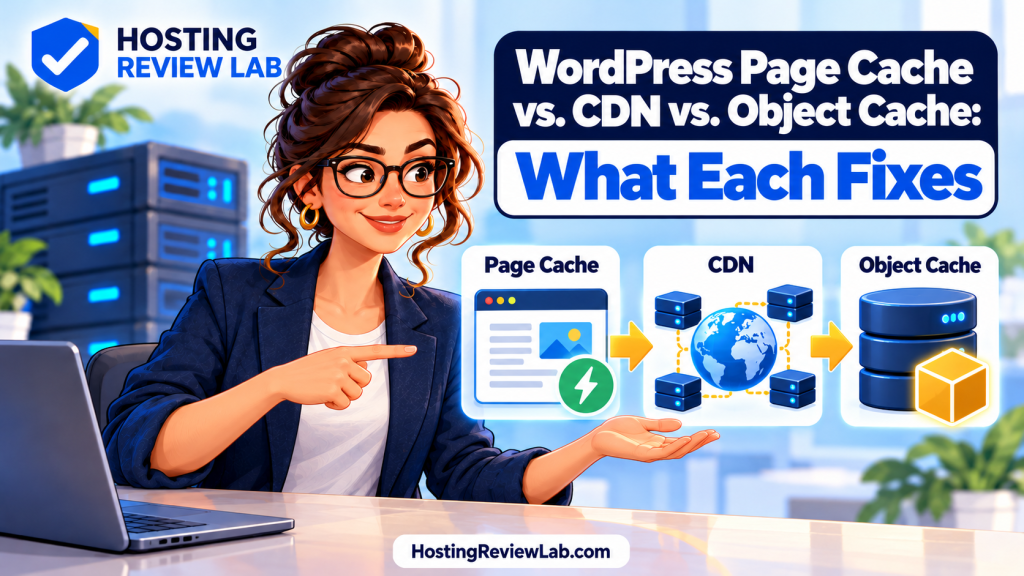
The short answer: page caching reuses a prepared page, a CDN can bring cached content closer to visitors, and object caching reuses application data. They can work together, but buying all three does not guarantee a fast website. Start with the request that is slow.
A useful hosting question is not simply “Does it include caching?” Ask what gets cached, where it is served, which visitors bypass it and who fixes a stale page. Those answers matter more than another checkmark on a plan card.
Compare the three caching layers
| Layer | What it reuses | Useful question |
|---|---|---|
| Full-page cache | A generated page response, usually for eligible public visits | Does a repeat public visit avoid rebuilding the page? |
| CDN | Copies of eligible content across a delivery network; capabilities vary | Are images and other assets delivered near my audience? Is HTML caching included too? |
| Object cache | Application data that WordPress would otherwise fetch or calculate again | Does the persistent backend work with my application and reduce repeated data work? |
WordPress documents that its built-in object cache normally lasts for one request. Persistence across requests needs an appropriate implementation. A CDN’s presence alone does not tell you whether complete HTML pages are cached at the edge. Check the actual service and rules.
Choose by symptom, not by plugin count
- A public article is slow on every repeat visit: inspect page-cache eligibility and response headers before assuming an upgrade is needed.
- The page arrives quickly but images appear late: inspect image dimensions, transfer size and asset delivery.
- The homepage is fast but a member dashboard is slow: investigate the dynamic request, database work and external calls.
- Old content survives an update: identify which layer still holds it and how that layer is invalidated.
These are investigation paths, not diagnoses. A waterfall or request trace may reveal a different cause. A page can have several problems at once; changing one layer and repeating the same test helps you see which change mattered.
Protect private and changing content
Do not put a customer’s account, cart or protected lesson into a public shared cache without an application-supported design. A speed improvement that serves the wrong person’s content is a failed change. Ask the host and application developer how authentication, cookies and personalized responses are handled.
As one documented provider example, Kinsta says its edge cache bypasses common private paths and logged-in traffic. That does not establish that every custom membership plugin or route is correctly configured. Test your actual login, logout, account and checkout flow.
Use separate test users to check access boundaries, then confirm that a public session cannot view protected content after a member has visited it. See our membership and course hosting guide for the wider buying checklist.
Before adding another cache
- List the existing host cache, WordPress plugin, CDN and object-cache backend. Record who owns each layer.
- Choose one representative public page and one relevant private workflow.
- Record whether the request is cached, bypassed or unknown. Header names differ between hosts; use their documentation.
- Measure the same pages before and after one change. Save results instead of comparing a remembered score.
- Check content updates, forms, access and checkout again. Confirm a rollback path.
A persistent object-cache plugin needs a supported backend and configuration. Installing a Redis plugin is not the same as having a working Redis service. Avoid enabling overlapping tools by trial and error on a live store; rehearse changes on staging.
Questions worth asking your host
- Which caching layers are included in my exact plan, and which are paid extras?
- Which pages and cookies bypass the shared page cache?
- Who can change custom exclusion rules?
- What happens when I publish an update, change a product or revoke membership access?
- Can support help investigate a slow uncached request, or does that require my developer?
Compare the full service boundary in our shared versus managed WordPress guide. Use our resource-limit guide if the problem includes queuing or resource errors.
Next, use our logged-in page troubleshooting checklist for a private workflow, or our speed-test evaluation guide to compare measured results.
Common questions
Do I need all three?
Not automatically. Establish the workload and the measured bottleneck first. A simple public site and a busy membership platform may need different configurations.
Does clearing every cache fix a slow site?
It can remove a stale copy, but it does not identify the underlying cause. It may also make the next requests do more work while copies are rebuilt.
Can a CDN replace better hosting?
It may reduce delivery work for cacheable content. It cannot be assumed to fix slow application code, private workflows or an overloaded origin.
Sources and scope
Documentation checked October 1, 2026. This is an explanatory guide, not an HRL benchmark of provider speed.
- WordPress: object cache and persistence
- WordPress: performance optimization
- Kinsta: edge-cache behavior