Cancel Hosting After a Migration: Billing, Email and Backup Checklist

Guides / Renewal decisions
Documentation checked: October 5, 2026. Provider examples below come from official documentation. The decision framework is HRL editorial guidance, not a hands-on migration test.
Cancel the old hosting only after the destination has passed the checks your website needs. A working homepage is one check. Forms, email, checkout, downloads and scheduled integrations may still depend on the old account. Separate stopping a future charge from deleting a service that is still supporting the business.
1. Identify the exact subscription
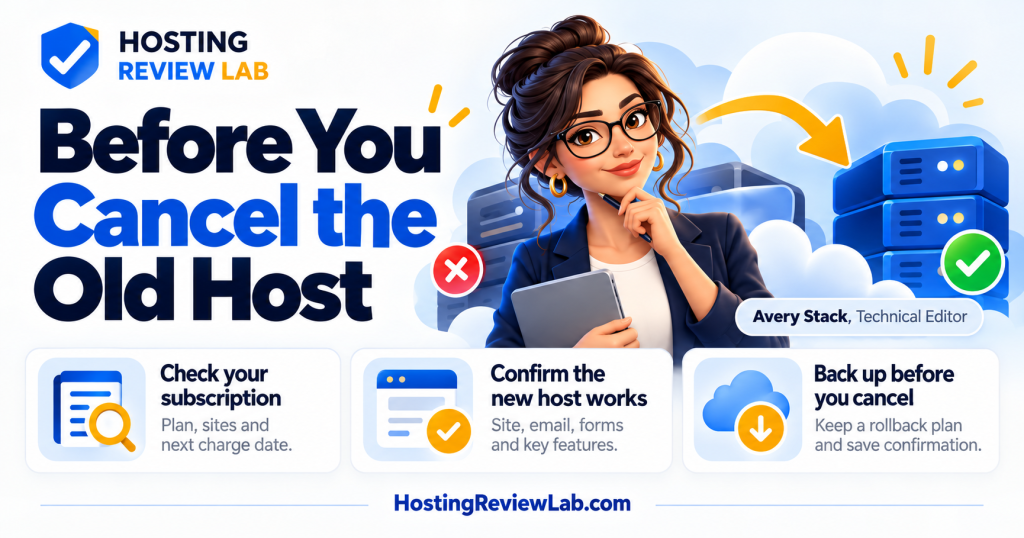
Record the old provider, account identifier, plan, covered websites and next charge date. Confirm who is authorized to manage billing. One plan may host several websites; cancelling it can affect more than the domain you just moved. Use the account ownership checklist when authority is unclear.
Inventory domains, mailboxes, backups, paid add-ons and external subscriptions. For each, mark whether it stays, moves or ends. Do not assume cancelling hosting also cancels every related bill.
2. Confirm the destination handles the real workflow
| Area | Check | Useful acceptance evidence |
|---|---|---|
| Public website | Correct destination, HTTPS, key pages and redirects | Verified origin and representative page checks |
| Forms and accounts | Submission, notification and login workflow | Recorded test received at the intended destination |
| Store or membership | Relevant orders, access and integrations | Workflow tests and reconciled recent records |
| Business correspondence and website sending | Separate inbound, reply and notification tests | |
| Recovery | Backup outside the cancelled account | Accessible copy and documented restore check |
These are HRL acceptance checks, not proof that a particular migration service includes them. Verify that traffic reaches the destination; a cached page or old server can make a quick browser check misleading. For a store, reconcile orders and other records that changed during the cutover. See the full migration procedure and WooCommerce workflow checks.
3. Preserve data and mail before termination
WordPress’s backup documentation covers both database and file backups. Save the needed copies outside the source subscription and verify an appropriate restore process. Downloading an archive is not the same as demonstrating that it can restore the intended site.
Keep domain and mail settings intact unless those services are intentionally moving. Follow the email preservation guide and check automated website delivery separately from ordinary mailboxes.
Hostinger’s cancellation guidance warns that ending hosting with a free email trial also ends that trial and describes upgrading it if the mail service is needed. It also distinguishes backup and export options for its builder modes. Check your exact product; a manual WordPress backup procedure does not apply to every hosted builder.
4. Read what the cancellation action does
SiteGround’s cancellation documentation says immediate cancellation removes the account’s websites and their data immediately, while domain names and domain-related services remain active. Its interface lets customers choose cancellation timing. Preserve the data first and check the selected timing before confirming.
Hostinger’s auto-renewal documentation says disabling renewal leaves the current service active until expiration and does not reverse charges already processed. Its cancellation guide says a processed refund terminates the service and erases its associated data immediately. Those actions have different consequences.
These are dated provider examples. For your own plan, confirm the effective end date, data access, remaining charges and any separate refund request. Refer to the refund guide rather than assuming that a cancellation confirmation means money will be returned.
5. Keep a rollback plan until acceptance is complete
HRL recommends agreeing on a review period that covers the site’s important workflows and the source billing deadline. There is no universal number of days that proves a migration is complete. Do not leave two writable store copies operating independently; document the source of current customer and order data.
Decide how recovery would work before ending the source. An old server is not a complete rollback plan if it lacks new orders or updates. Preserve the records required for the agreed recovery procedure.
Look for one remaining dependency
Suppose the public website has moved, but a scheduled export still writes to storage inside the old hosting account. Cancellation would remove a working dependency despite a passed homepage check. Inventory background jobs, mail, backup access and other hosted sites before terminating the subscription. Use migration verification alongside the business checks, then save the provider’s cancellation confirmation.
6. Save confirmation and reconcile the next bills
Retain the cancellation or renewal-setting confirmation, effective date and support reference. Check retained domain, email and add-on subscriptions individually. Remove obsolete monitoring or integrations only after confirming their replacements.
If you have not decided whether moving is worthwhile, start with stay, renegotiate or switch. This checklist closes an accepted migration; it should not be the first step in one.