Multiple WordPress Sites vs. Multisite: Agency Hosting Choices

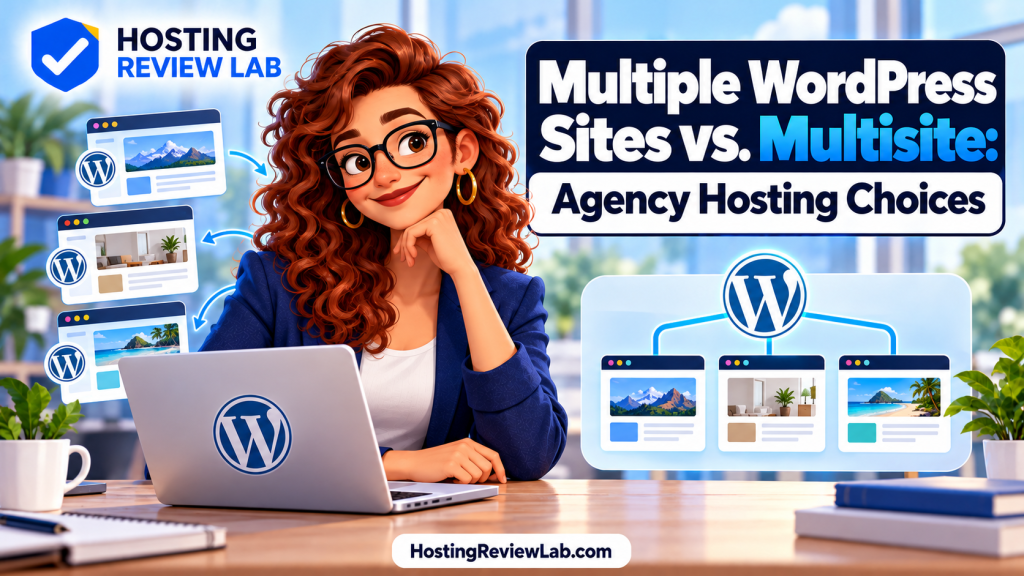
A hosting plan that allows ten websites and a WordPress Multisite network are different arrangements. The first is a hosting allowance. The second is a way to run several sites from one WordPress installation. An agency can manage separate installations, a Multisite network or a mixture of both.
Quick answer: Decide how independently clients need to operate, recover and move their sites before choosing the arrangement. Separate installations can accommodate different software and handoffs; Multisite can suit a group of similar sites managed under common rules. Neither choice automatically guarantees security isolation or lower operating cost.
What WordPress Multisite actually shares
WordPress’s Multisite lesson explains that subsites share the installation files, plugins and themes, while keeping separate media directories and site-content tables. This differs from several independent WordPress installations listed in one hosting dashboard.
A shared installation makes common software administration possible, but it also creates dependencies to consider when changing that software. A plan’s website count does not tell you whether it supports Multisite or how it counts a network. Ask the provider about the exact configuration you intend to run.
Compare the arrangement against your client workflow
| Decision | Separate installations | WordPress Multisite |
|---|---|---|
| Software choices | Each installation can maintain its own plugins and themes. | Network administration controls the installed software; check compatibility and activation options. |
| Client permissions | Review each site’s WordPress users and the hosting account’s permissions. | Distinguish site roles from network administration privileges. |
| Recovery | Verify that the host can restore one installation without replacing others. | Verify whether the recovery tool handles one subsite or the whole network. |
| Client exit | Rehearse transferring or migrating the installation. | Plan and test extracting the subsite if the client needs a separate installation. |
These are workflow comparisons, not guarantees about a particular provider. Separate installations inside one account may still share server resources and account-level access. Ask how the host separates files, credentials, resource allowances and recovery operations.
Check both hosting access and WordPress access
A client who can edit a page does not necessarily need access to other clients’ backups, billing or deployment tools. Review the hosting dashboard and WordPress roles separately, using individual accounts for staff and clients.
WordPress’s network administration documentation describes reduced capabilities for subsite administrators: installing themes and plugins belongs to network administration. It also notes that plugins need Multisite compatibility checks. Confirm those constraints with the team before promising a client complete software control.
Hosting portals have their own rules. WP Engine’s user documentation, for example, distinguishes portal users from WordPress users and describes an optional seamless-login feature that can create WordPress administrator access. Review single sign-on as well as the visible role labels when deciding what a collaborator can reach.
Test one-site recovery and client departure
Ask support to demonstrate the scope of a restore in a test environment. If one client needs yesterday’s content back, will the operation replace anything belonging to another client? For a network, get an explicit answer about subsite recovery and shared data rather than assuming each visible site has an independent restore button.
Plan the departure path at onboarding. Record how the website, domain, email, paid software and reporting access will be handed over. Use our website handover checklist for the account and service register.
Even a provider’s internal account transfer can require preparation. WP Engine documents transfers that may involve a server migration and product extensions needing reactivation. Confirm the destination, permissions and integrations before treating a transfer button as a complete handoff.
Pilot the workflow before moving a portfolio
- Choose a representative project. Include the plugins and client permissions you expect to use.
- Test ordinary work. Have staff and the client perform their assigned tasks and inspect which other resources they can access.
- Rehearse changes and recovery. Use staging and an isolated restore test; record what is shared with other sites.
- Rehearse departure. Establish how that project would leave the account or network and what would need reconfiguration.
- Compare the continuing bill. Include site allowances, resource use, backup storage, software licenses and the work of maintaining the arrangement.
Then compare the agency hosting shortlist and multiple-website hosting options against the tested workflow. Our staging guide and backup guide help define the release and recovery questions.
Documentation checked October 1, 2026. Provider permissions, Multisite support and transfer options vary; verify the selected plan and configuration.